Beste Laptops Unter $1,500 für STAR WARS Jedi: Survivor

🚀 Performance Gaming Laptops auf Leistung analysiert. Updated 5th June 2026.

23 Laptops Gefunden
$1,500 Max Budget
June 2026 Aktualisiert
STAR WARS Jedi: Survivor

STAR WARS Jedi: Survivor

Action-Adventure, Souls-like (elements), Metroidvania, Third-Person
📅
Apr 28, 2023 Released
🏢
Electronic Arts Publisher

📖 About STAR WARS Jedi: Survivor

STAR WARS Jedi: Survivor picks up five years after the events of STAR WARS Jedi: Fallen Order. Cal Kestis, now a more experienced Jedi Knight, continues his fight against the Galactic Empire while grappling with the burden of being one of the last remaining Jedi. Accompanied by his loyal droid companion BD-1, Cal must explore new planets and revisit familiar ones across the galaxy, seeking a safe haven beyond the Empire's reach. He forges new alliances and reunites with old friends like Cere Junda, Greez Dritus, and Merrin. The game features expanded combat with five distinct lightsaber stances, new Force abilities, larger and more open explorable areas with mounts, deeper character customization, and a compelling narrative that tests Cal's resolve and pushes him to his limits as he confronts new Imperial threats and mysterious figures from the High Republic era.

⚙️ Mindestsystemanforderungen für STAR WARS Jedi: Survivor

CPU
Intel Core i7-7700 (4 core/8 thread) or AMD Ryzen 5 1400 (4 core/8 thread)
GPU
NVIDIA GeForce GTX 1070 (8GB) or AMD Radeon RX 580 (8GB)
RAM
8 GB (16 GB Recommended)
Storage
155 GB SSD

💻 Recommended Laptop Specs Under $1,500

Based on STAR WARS Jedi: Survivor requirements and your budget, look for laptops with these specs:

🔲
Processor
Intel Core i7-13700H+ / AMD Ryzen 7 7735HS+
🎮
Graphics Card
RTX 4060/4070 Laptop (100W+ TGP)
💾
Memory (RAM)
16-32GB DDR5-4800MHz+
💽
Storage
1TB NVMe PCIe Gen4 SSD

📖 Kaufberatung

💡
Pro Tip

RTX 4060 laptops dominate this tier. Expect 60-90 FPS at high settings for STAR WARS Jedi: Survivor with room for ray tracing at 1080p.

⚠️
Watch Out

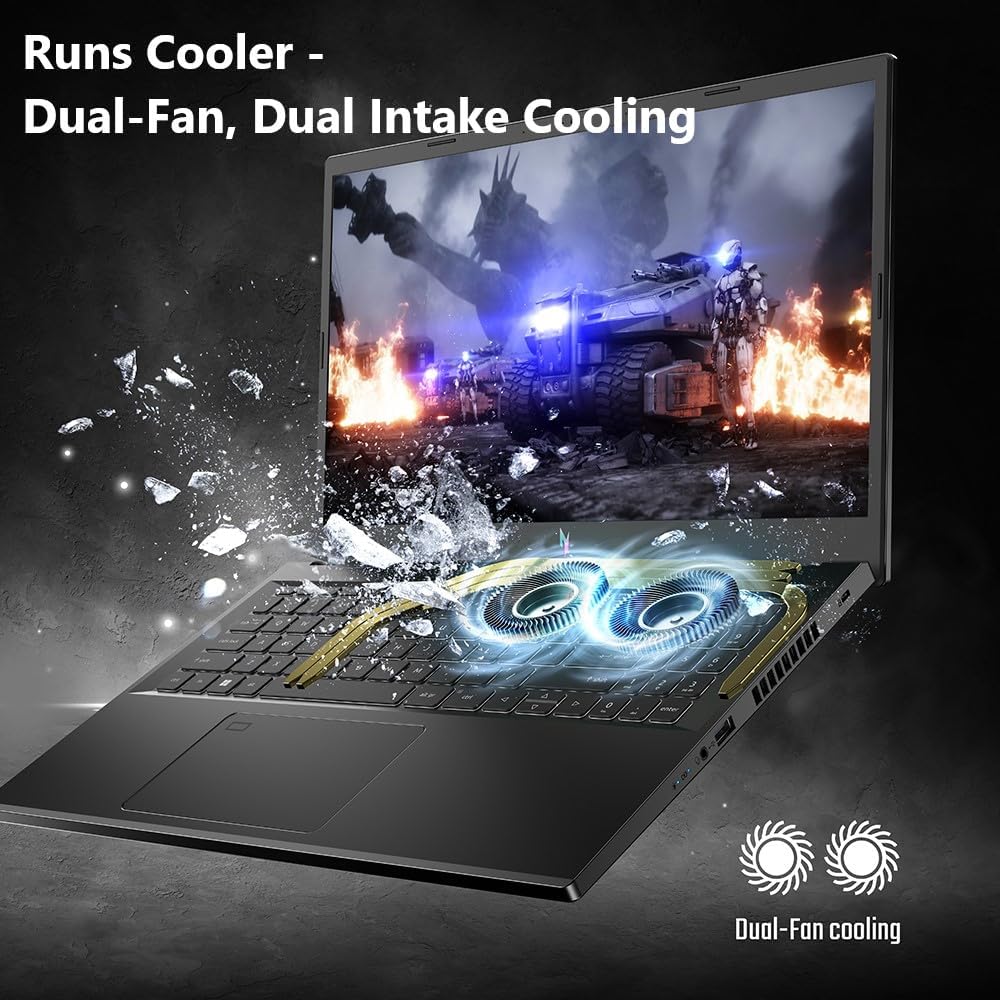
Thermals matter - check reviews for cooling performance before buying.

Our Recommendation

Prioritize laptops with MUX switch for 10-15% gaming performance boost.

🎭
Genre Advice

For fast-paced action games like STAR WARS Jedi: Survivor, a high refresh rate display (120Hz+) is crucial for smooth motion and competitive advantage.

🎯 Expected Performance for STAR WARS Jedi: Survivor at $1,500

Resolution Settings Expected FPS Experience
1080p Low 100-120 FPS Excellent
1080p Medium 80-100 FPS Excellent
1080p High 60-80 FPS Good
1080p Ultra 45-60 FPS Playable

* FPS estimates are based on typical laptop configurations at this price range. Actual performance may vary.

💻 Gaming Laptops Under $1,500

23 Found
🎚️ Filtern & Sortieren

🎮 All Gaming Laptops

Tuxedo InfinityBook Max 15 (RYZEN 9 & RTX 5060) $1,500
Angebot Prüfen

Tuxedo InfinityBook Max 15 (RYZEN 9 & RTX 5060)

🔲 AMD Ryzen AI 9 HX 370 (Top Configuration)
🎮 NVIDIA GeForce RTX 5060 / 5070 8GB GDDR7
💾 Up to 128GB DDR5-5600MT/s
Storage
PCIe Gen4 x4 NVMe SSD
Display
15.3 inches
Refresh Rate
300Hz (Switchable to 60Hz or 240Hz)
Price per FPS*
~$25/FPS
✅ STAR WARS Jedi: Survivor Compatibility
Great performance for STAR WARS Jedi: Survivor - 60-90 FPS at High/Ultra settings at 1080p.
Acer Nitro V 17 AI (RTX 5070 & Ryzen 7) $1,500
Angebot Prüfen

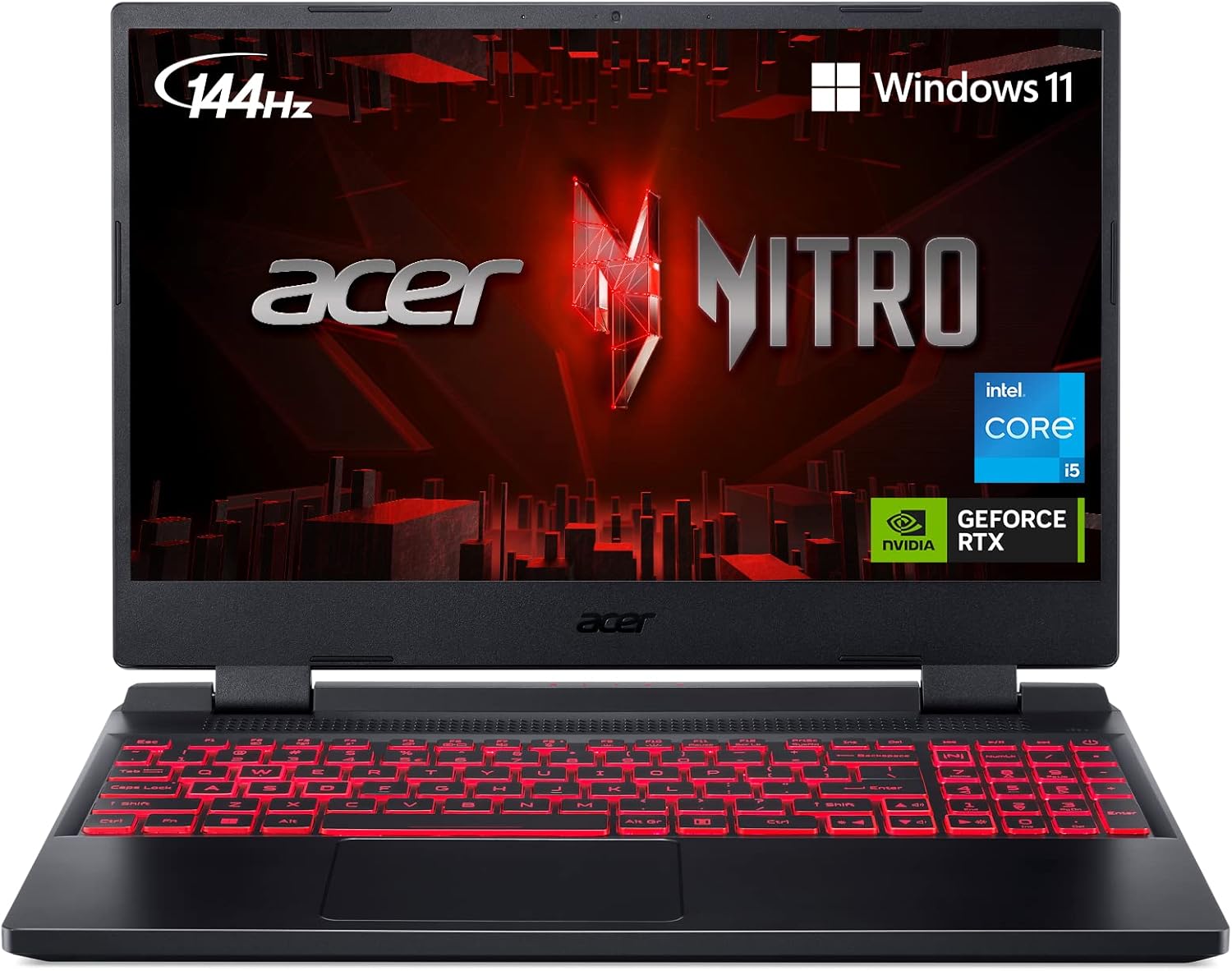
Acer Nitro V 17 AI (RTX 5070 & Ryzen 7)

🔲 AMD Ryzen 7 260
🎮 NVIDIA GeForce RTX 5070 8GB GDDR7
💾 16GB DDR5-5600MHz (Single-Channel)
Storage
1TB Western Digital PC SN5000S NVMe SSD
Display
17.3 inches
Refresh Rate
144Hz
Price per FPS*
~$25/FPS
✅ STAR WARS Jedi: Survivor Compatibility
Great performance for STAR WARS Jedi: Survivor - 60-90 FPS at High/Ultra settings at 1080p.
ASUS ROG Strix G16 (RTX 5060 & i7 14th Gen) $1,499
Angebot Prüfen

ASUS ROG Strix G16 (RTX 5060 & i7 14th Gen)

🔲 Intel Core i7 Processor 14650HX
🎮 NVIDIA GeForce RTX 5060 Laptop GPU
💾 16GB DDR5-5600MHz
Storage
1TB PCIe Gen4 NVMe M.2 SSD
Display
16 inches
Refresh Rate
165Hz
Price per FPS*
~$25/FPS
✅ STAR WARS Jedi: Survivor Compatibility
Solid choice for STAR WARS Jedi: Survivor - 50-70 FPS at Medium-High settings.
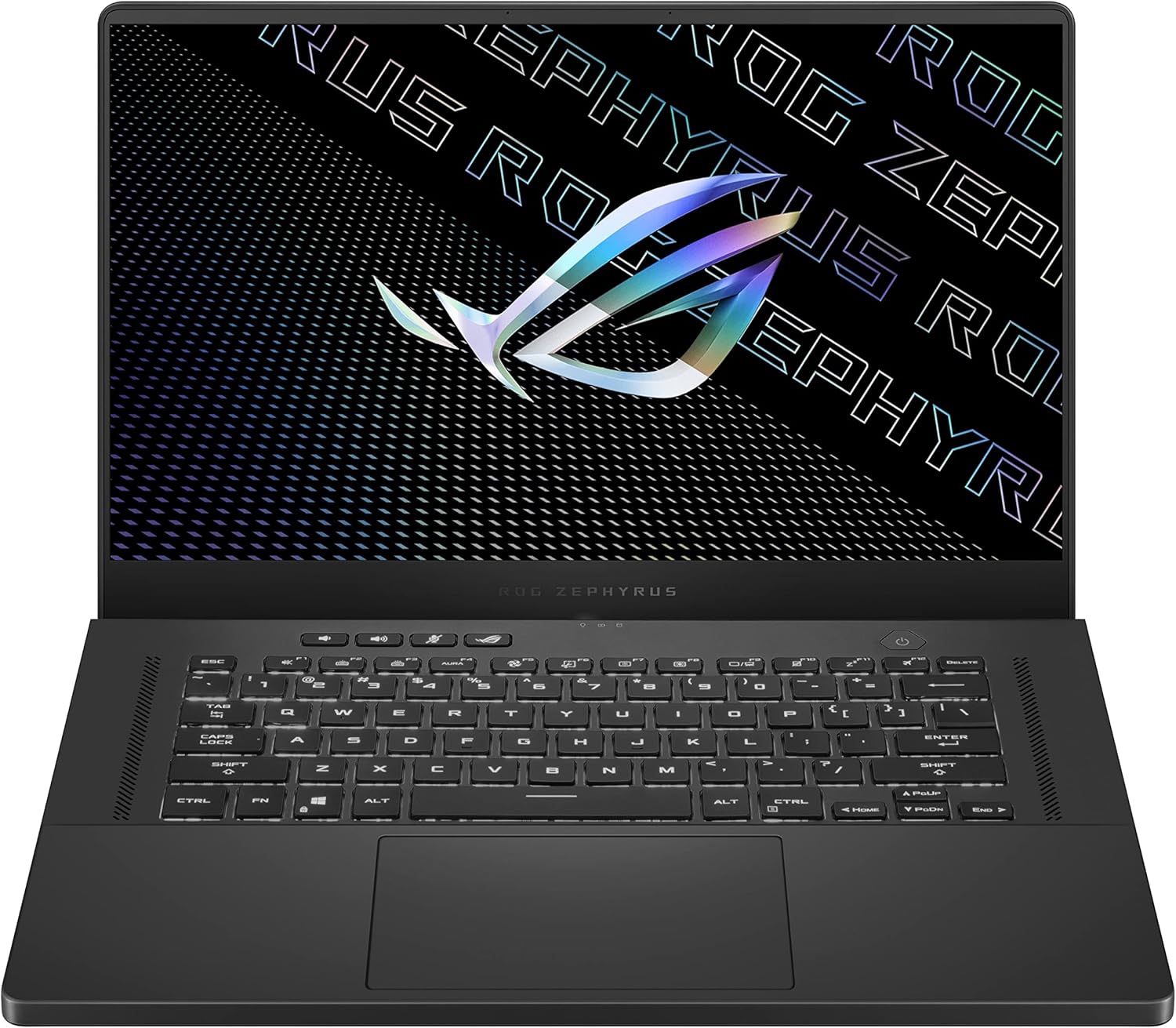
ASUS ROG Zephyrus G15 Ultra with RTX 3080 and Ryzen 9 $1,489
Angebot Prüfen

ASUS ROG Zephyrus G15 Ultra with RTX 3080 and Ryzen 9

🔲 AMD Ryzen 9 5900HS
🎮 NVIDIA GeForce RTX 3080 8GB GDDR6
💾 16GB DDR4-3200MHz
Storage
1TB PCIe Gen3 NVMe SSD
Display
15.6 inches
Refresh Rate
165Hz
Price per FPS*
~$25/FPS
✅ STAR WARS Jedi: Survivor Compatibility
Solid choice for STAR WARS Jedi: Survivor - 50-70 FPS at Medium-High settings.
Alienware 16 Aurora (RTX 5060 & Intel Core 7 240H) $1,399
Angebot Prüfen

Alienware 16 Aurora (RTX 5060 & Intel Core 7 240H)

🔲 Intel Core 7 Processor 240H (Series 2)
🎮 NVIDIA GeForce RTX 5060 Laptop GPU
💾 16GB DDR5-5600MHz
Storage
1TB M.2 PCIe Gen4 NVMe SSD
Display
16 inches (40.64 cm)
Refresh Rate
120Hz
Price per FPS*
~$23/FPS
✅ STAR WARS Jedi: Survivor Compatibility
Solid choice for STAR WARS Jedi: Survivor - 50-70 FPS at Medium-High settings.
Asus Rog Strix Scar 15 with RTX 3070 Ti and i9 12th Gen $1,397
Angebot Prüfen

Asus Rog Strix Scar 15 with RTX 3070 Ti and i9 12th Gen

🔲 Intel Core i9-12900H
🎮 NVIDIA GeForce RTX 3070 Ti 8GB GDDR6
💾 16GB DDR5-4800MHz
Storage
1TB PCIe Gen4 NVMe SSD
Display
15.6 inches
Refresh Rate
240Hz
Price per FPS*
~$23/FPS
✅ STAR WARS Jedi: Survivor Compatibility
Solid choice for STAR WARS Jedi: Survivor - 50-70 FPS at Medium-High settings.
MSI Katana 15 with RTX 4070 $1,350
Angebot Prüfen

MSI Katana 15 with RTX 4070

🔲 Intel Core i7-13620H
🎮 NVIDIA GeForce RTX 4070 8GB GDDR6
💾 16GB DDR5-4800MHz
Storage
1TB NVMe PCIe SSD
Display
15.6 inches
Refresh Rate
165Hz
Price per FPS*
~$23/FPS
✅ STAR WARS Jedi: Survivor Compatibility
Solid choice for STAR WARS Jedi: Survivor - 50-70 FPS at Medium-High settings.
MSI Pulse GL66 with RTX 3070 and i7 12th Gen $1,349
Angebot Prüfen

MSI Pulse GL66 with RTX 3070 and i7 12th Gen

🔲 Intel Core i7-12700H
🎮 NVIDIA GeForce RTX 3070 8GB GDDR6
💾 32GB DDR4-3200MHz
Storage
1TB PCIe Gen4 NVMe SSD
Display
15.6 inches
Refresh Rate
144Hz
Price per FPS*
~$22/FPS
✅ STAR WARS Jedi: Survivor Compatibility
Solid choice for STAR WARS Jedi: Survivor - 50-70 FPS at Medium-High settings.
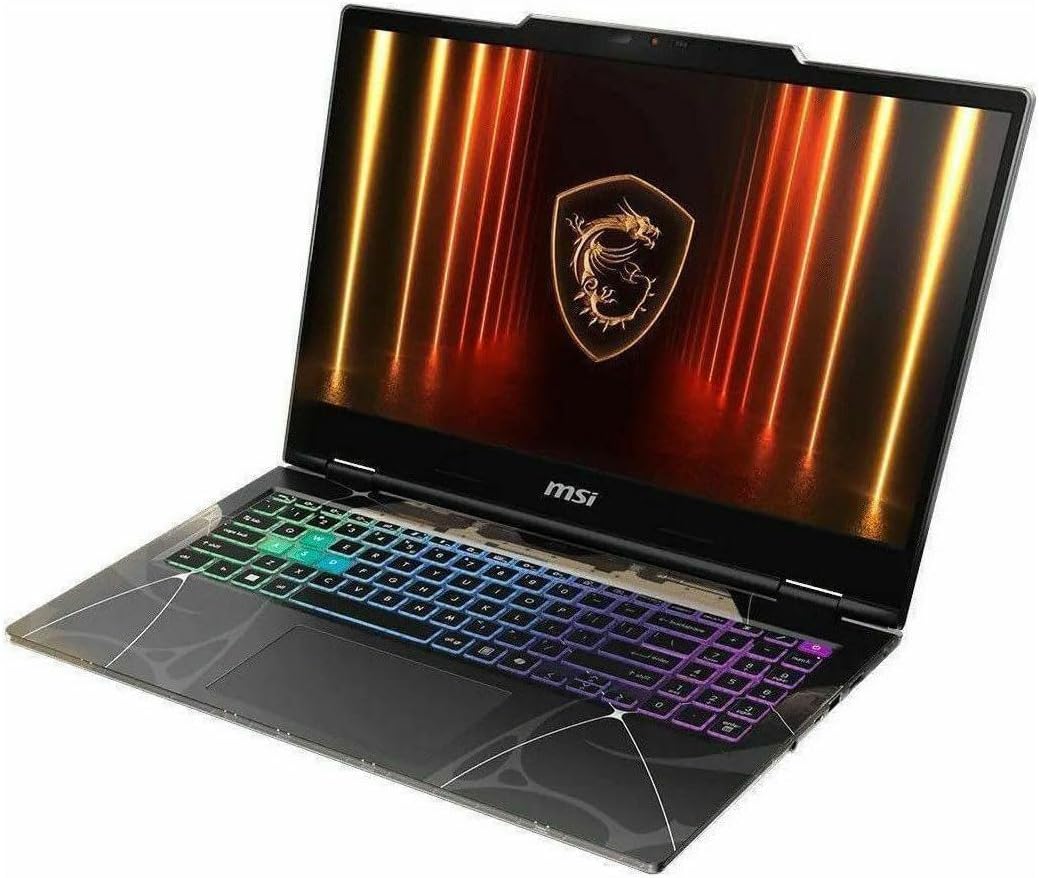
MSI Cyborg 15 (RTX 5050 & Intel 7) $1,300
Angebot Prüfen

MSI Cyborg 15 (RTX 5050 & Intel 7)

🔲 Intel Core Ultra 7 255H
🎮 NVIDIA GeForce RTX 5060 8GB GDDR7
💾 16GB DDR5-5600MHz (Dual-Channel)
Storage
1TB PCIe Gen4 x4 NVMe SSD
Display
15.6 inches
Refresh Rate
144Hz
Price per FPS*
~$22/FPS
✅ STAR WARS Jedi: Survivor Compatibility
Solid choice for STAR WARS Jedi: Survivor - 50-70 FPS at Medium-High settings.
ASUS ROG Strix G15 with RTX 3060 and Ryzen 7 $1,299
Angebot Prüfen

ASUS ROG Strix G15 with RTX 3060 and Ryzen 7

🔲 AMD Ryzen 7 6800H
🎮 NVIDIA GeForce RTX 3060 6GB GDDR6
💾 16GB DDR5-4800MHz
Storage
1TB PCIe Gen4 NVMe SSD
Display
15.6 inches
Refresh Rate
300Hz
Price per FPS*
~$22/FPS
✅ STAR WARS Jedi: Survivor Compatibility
Solid choice for STAR WARS Jedi: Survivor - 50-70 FPS at Medium-High settings.
Acer Nitro V 16S (RTX 5060 & Ryzen 7 260) $1,299
Angebot Prüfen

Acer Nitro V 16S (RTX 5060 & Ryzen 7 260)

🔲 AMD Ryzen 7 260
🎮 NVIDIA GeForce RTX 5060 Laptop GPU 8GB GDDR7
💾 32GB DDR5-5600MHz
Storage
1TB NVMe PCIe Gen4 SSD
Display
16 inches
Refresh Rate
180Hz
Price per FPS*
~$22/FPS
✅ STAR WARS Jedi: Survivor Compatibility
Solid choice for STAR WARS Jedi: Survivor - 50-70 FPS at Medium-High settings.
Lenovo LOQ with RTX 5050 (Ryzen 7 250) $1,250
Angebot Prüfen

Lenovo LOQ with RTX 5050 (Ryzen 7 250)

🔲 AMD Ryzen 7 5800X
🎮 NVIDIA GeForce RTX 5050 8GB GDDR7
💾 32GB (2x16GB) DDR5 4800MHz SO-DIMM
Storage
2TB PCIe NVMe M.2 SSD
Display
15.6"
Refresh Rate
144Hz
Price per FPS*
~$21/FPS
✅ STAR WARS Jedi: Survivor Compatibility
Solid choice for STAR WARS Jedi: Survivor - 50-70 FPS at Medium-High settings.
Lenovo Legion 5i with RTX 5050 $1,068
Angebot Prüfen

Lenovo Legion 5i with RTX 5050

🔲 Intel Core i7-13650HX
🎮 NVIDIA GeForce RTX 5050
💾 16GB (2x8GB) DDR5 5600MHz SO-DIMM
Storage
512GB NVMe SSD
Display
15.3 Inches
Refresh Rate
165Hz (variable, AI-optimized)
Price per FPS*
~$18/FPS
✅ STAR WARS Jedi: Survivor Compatibility
Good for STAR WARS Jedi: Survivor - 40-60 FPS at Medium settings.
Acer Nitro V 16 AI with RTX 5050 & Ryzen 5 $1,000
Angebot Prüfen

Acer Nitro V 16 AI with RTX 5050 & Ryzen 5

🔲 AMD Ryzen 5 240
🎮 NVIDIA GeForce RTX 5050 (Laptop)
💾 16GB RAM
Storage
1000GB SSD
Display
16.0"
Refresh Rate
180Hz
Price per FPS*
~$17/FPS
✅ STAR WARS Jedi: Survivor Compatibility
Good for STAR WARS Jedi: Survivor - 40-60 FPS at Medium settings.
Acer Nitro V with RTX 4060 and i9 13th Gen $999
Angebot Prüfen

Acer Nitro V with RTX 4060 and i9 13th Gen

🔲 Intel Core i9-13900H
🎮 NVIDIA GeForce RTX 4060 8GB GDDR6
💾 16GB DDR5-5200MHz
Storage
512GB PCIe Gen4 NVMe SSD
Display
15.6 inches
Refresh Rate
144Hz
Price per FPS*
~$17/FPS
✅ STAR WARS Jedi: Survivor Compatibility
Playable experience for STAR WARS Jedi: Survivor - 30-50 FPS at Low-Medium settings.
Gigabyte Gaming A16 with RTX 5050 $999
Angebot Prüfen

Gigabyte Gaming A16 with RTX 5050

🔲 Intel Core i7-13620H 13th Generation Raptor Lake Mobile Processor
🎮 NVIDIA GeForce RTX 5050 8GB GDDR7 with Ray Tracing 3rd Gen RT Cores, DLSS 4 AI Frame Generation
💾 16GB DDR5-5200MHz Dual-Channel (2x8GB SO-DIMM modules, upgradeable to 64GB)
Storage
1TB M.2 2280 PCIe Gen4 x4 NVMe SSD with 3D NAND flash memory technology
Display
16 inches diagonal measurement with slim bezels for immersive viewing
Refresh Rate
165Hz variable refresh rate with adaptive sync technology support
Price per FPS*
~$17/FPS
✅ STAR WARS Jedi: Survivor Compatibility
Playable experience for STAR WARS Jedi: Survivor - 30-50 FPS at Low-Medium settings.
Alienware 16 Aurora AC16250 with RTX 5050 $899
Angebot Prüfen

Alienware 16 Aurora AC16250 with RTX 5050

🔲 Intel Core i7-1240P (Series 2, 12th Gen)
🎮 NVIDIA GeForce RTX 5050 8GB
💾 16GB (2x8GB) DDR5 5600MHz SO-DIMM
Storage
1TB NVMe SSD
Display
16 inches
Refresh Rate
120Hz
Price per FPS*
~$15/FPS
✅ STAR WARS Jedi: Survivor Compatibility
Playable experience for STAR WARS Jedi: Survivor - 30-50 FPS at Low-Medium settings.
ASUS TUF A15 with RTX 3050 and Ryzen 7 $799
Angebot Prüfen

ASUS TUF A15 with RTX 3050 and Ryzen 7

🔲 AMD Ryzen 7 7435HS
🎮 NVIDIA GeForce RTX 3050 6GB GDDR6
💾 32GB DDR5-4800MHz
Storage
1TB PCIe NVMe Gen4 SSD
Display
15.6 inches
Refresh Rate
144Hz
Price per FPS*
~$13/FPS
✅ STAR WARS Jedi: Survivor Compatibility
Playable experience for STAR WARS Jedi: Survivor - 30-50 FPS at Low-Medium settings.
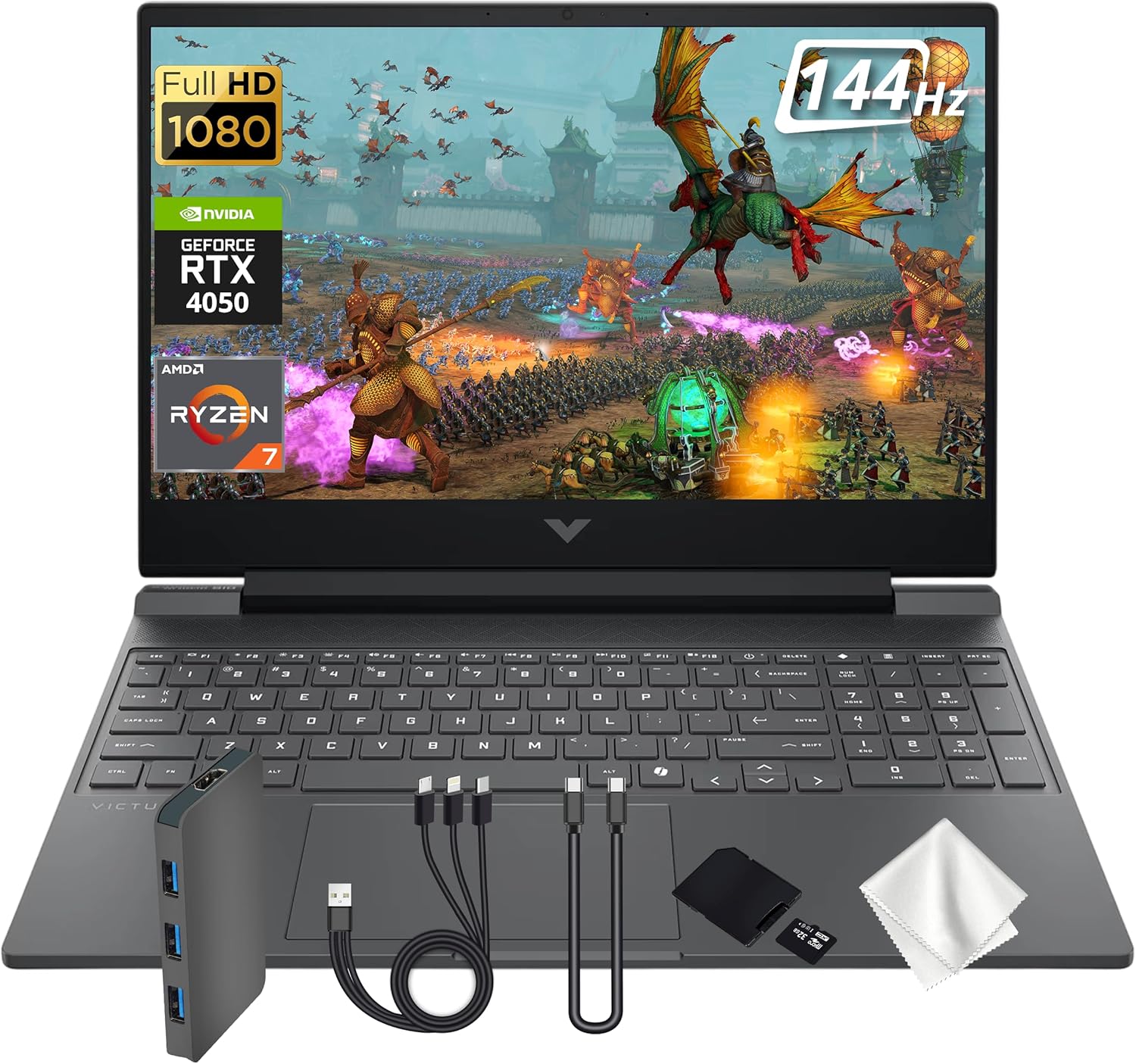
HP Victus 15 (RTX 4050 & Ryzen 7) $799
Angebot Prüfen

HP Victus 15 (RTX 4050 & Ryzen 7)

🔲 AMD Ryzen 7 7445HS
🎮 NVIDIA GeForce RTX 4050 6GB GDDR6
💾 16GB (2x8GB) DDR5 5600MHz SO-DIMM
Storage
512GB PCIe SSD
Display
15.6 Inches
Refresh Rate
144Hz
Price per FPS*
~$13/FPS
✅ STAR WARS Jedi: Survivor Compatibility
Playable experience for STAR WARS Jedi: Survivor - 30-50 FPS at Low-Medium settings.
ASUS TUF Gaming F15 with RTX 2050 and Intel i5 $749
Angebot Prüfen

ASUS TUF Gaming F15 with RTX 2050 and Intel i5

🔲 Intel Core i5-11400H
🎮 NVIDIA GeForce RTX 2050 4GB GDDR6
💾 8GB DDR4-3200MHz
Storage
512GB PCIe Gen3 SSD
Display
15.6 inches
Refresh Rate
144Hz
Price per FPS*
~$12/FPS
✅ STAR WARS Jedi: Survivor Compatibility
Playable experience for STAR WARS Jedi: Survivor - 30-50 FPS at Low-Medium settings.
Acer Nitro 5 with RTX 3050 Ti and i5 12th Gen $710
Angebot Prüfen

Acer Nitro 5 with RTX 3050 Ti and i5 12th Gen

🔲 Intel Core i5-12500H
🎮 NVIDIA GeForce RTX 3050 Ti 4GB GDDR6
💾 16GB DDR4-3200MHz
Storage
512GB PCIe Gen4 SSD
Display
15.6 inches
Refresh Rate
144Hz
Price per FPS*
~$12/FPS
✅ STAR WARS Jedi: Survivor Compatibility
Playable experience for STAR WARS Jedi: Survivor - 30-50 FPS at Low-Medium settings.
HP Victus with RTX 4050 and i5 13th Gen $680
Angebot Prüfen

HP Victus with RTX 4050 and i5 13th Gen

🔲 Intel Core i5-13420H
🎮 NVIDIA GeForce RTX 4050 6GB GDDR6
💾 16GB DDR4-3200MHz
Storage
512GB PCIe NVMe Gen4 SSD
Display
15.6 inches
Refresh Rate
144Hz
Price per FPS*
~$11/FPS
✅ STAR WARS Jedi: Survivor Compatibility
Playable experience for STAR WARS Jedi: Survivor - 30-50 FPS at Low-Medium settings.
HP Victus 15 with RTX 3050 and i5 12th Gen $645
Angebot Prüfen

HP Victus 15 with RTX 3050 and i5 12th Gen

🔲 Intel Core i5-12450H
🎮 NVIDIA GeForce RTX 3050 6GB GDDR6
💾 16GB DDR4-3200MHz
Storage
1TB PCIe NVMe Gen4 SSD
Display
15.6 inches
Refresh Rate
144Hz
Price per FPS*
~$11/FPS
✅ STAR WARS Jedi: Survivor Compatibility
Playable experience for STAR WARS Jedi: Survivor - 30-50 FPS at Low-Medium settings.

🔥 RTX Graphics Laptops

💾 RAM Options

⚡ Refresh Rate Options

💿 Storage Options

🧠 CPU Options

❓ Frequently Asked Questions

Can I play STAR WARS Jedi: Survivor on a laptop under $1,500?
Yes! The laptops listed above are capable of running STAR WARS Jedi: Survivor at playable frame rates. Performance varies based on graphics settings - mid-range laptops typically achieve 30-60 FPS at medium to high settings depending on the specific model and configuration.
What GPU should I look for to play STAR WARS Jedi: Survivor?
For mid-range gaming under $1,500, look for at least an NVIDIA RTX 3050/4050 or AMD RX 6500M. These GPUs provide solid 1080p gaming performance for most modern titles including STAR WARS Jedi: Survivor. Higher-budget options may include RTX 4060 or RTX 4070 for better 1440p performance.
How much RAM do I need for STAR WARS Jedi: Survivor?
We recommend at least 16GB of RAM for STAR WARS Jedi: Survivor and modern gaming in general. All laptops in our recommendations meet or exceed this requirement. For streaming or multitasking while gaming, 32GB is ideal.
Are these laptops good for other games too?
Absolutely! If a laptop can run STAR WARS Jedi: Survivor, it will handle most other PC games at similar or better performance levels. These recommendations are based on general gaming capability, not just one specific title.

🛡️ Why Trust NKB Gaming?

Our laptop recommendations are based on real-world performance data, component analysis, and thousands of hours of gameplay testing. We don't just look at specs; we look at how they perform in the games you love.

🔍

Deep Analysis

Every GPU & CPU combination analyzed for bottlenecking.

🎮

Game-First

Recommendations tailored to STAR WARS Jedi: Survivor's specific engine requirements.

⚖️

Unbiased

We are independent. We buy our own test units.

⚖️ Laptop Comparison